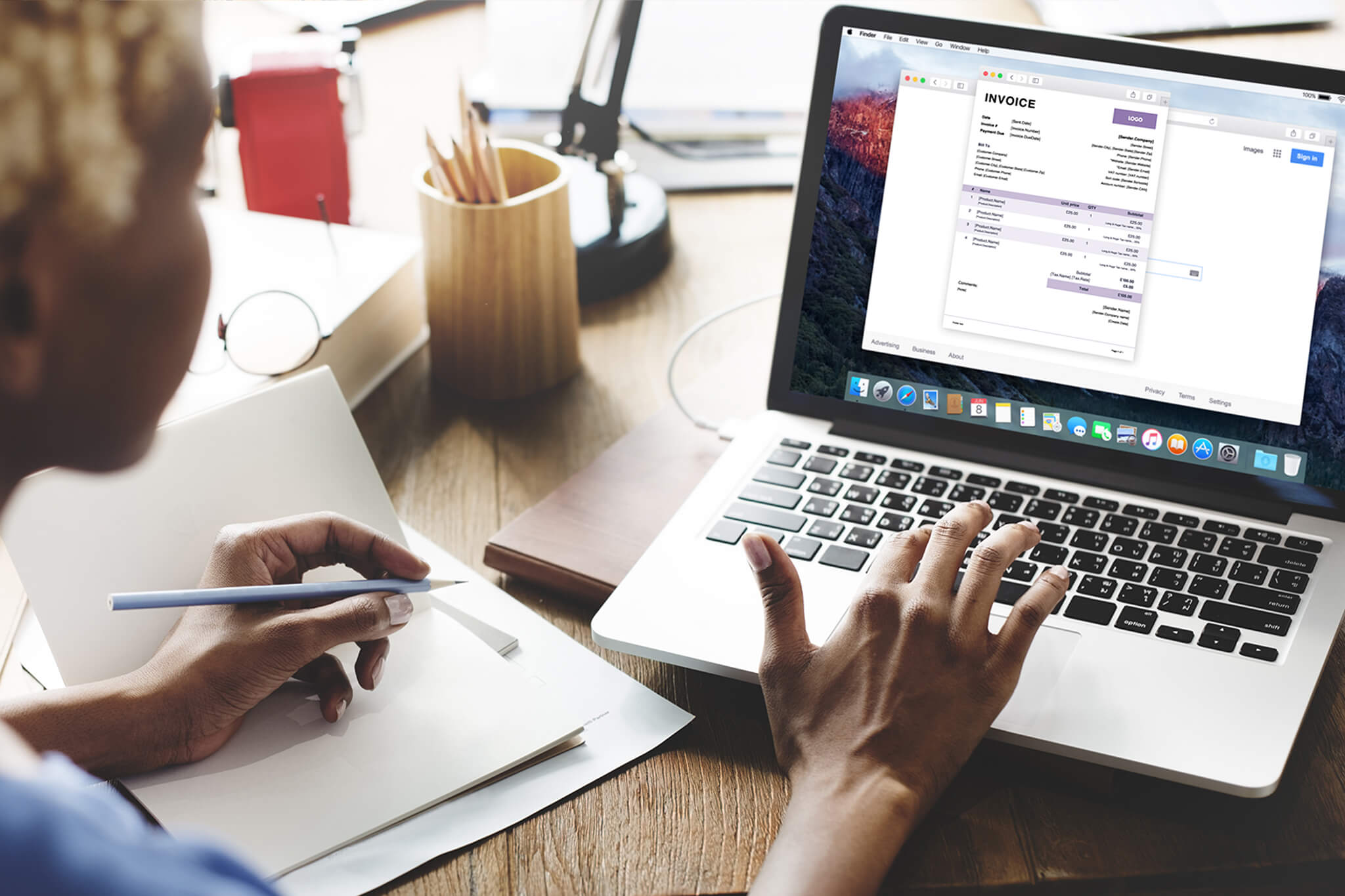
To grow a successful business, you must look professional from the very first client interaction. That is why learning how to customize invoices is so important for SMEs and freelancers in Kenya and Ghana.
A well-designed invoice builds trust, improves credibility, and encourages faster payments. Fortunately, ProInvoice makes it easy to create branded, professional invoices that reflect your business identity.
Even better, the ProInvoice Mobile App allows entrepreneurs to send customized invoices instantly, whether you are in Nairobi, Accra, or anywhere else.
In this guide, we’ll walk through everything you need to know about customizing invoices in ProInvoice for your business success.
Click to download the Proinvoice mobile app now to manage your invoices anytime, anywhere with ease!


Why Custom Invoice Design Matters for SMEs in Kenya and Ghana
Many small businesses still send plain invoices that look generic or incomplete. However, professional presentation can make a huge difference.
When you customize your invoices, you:
- Build stronger client trust
- Look more established and credible
- Reduce payment delays
- Strengthen your brand identity
- Stand out from competitors
For Kenyan and Ghanaian SMEs competing in busy markets, professional invoicing is no longer optional.
With ProInvoice, you can easily upgrade from basic billing to professional invoicing.
What Makes an Invoice Truly Professional?
A professional invoice should include more than just a total amount. It must clearly communicate value, payment terms, and business identity.
A strong invoice typically contains:
- Business name and logo
- Client details
- Invoice number
- Itemized services or products
- Tax and discount fields
- Payment due date
- Currency and totals clearly displayed
Using ProInvoice templates helps ensure you include everything clients expect.
How ProInvoice Helps You Customize Invoices Easily
ProInvoice was built for modern African entrepreneurs. Instead of struggling with Word documents or spreadsheets, you can generate invoices digitally with customization features included.
With ProInvoice, you can:
- Choose professional invoice layouts
- Add your business branding
- Edit client details quickly
- Adjust currency and tax settings
- Save templates for future use
Additionally, the ProInvoice Mobile App ensures you can do all this from your phone.
Step 1: Choose a Professional Invoice Template
The first step to customization is selecting the right template.
ProInvoice provides clean, modern invoice formats designed for SMEs across Africa.
You can explore ready-made templates through ProInvoice invoice templates.
Templates help you:
- Save time
- Maintain consistency
- Present invoices professionally
- Avoid missing key invoice details
Therefore, templates are the fastest way to start customizing.
Step 2: Add Your Business Information
Branding begins with accurate business details.
When setting up your invoice in ProInvoice, you can include:
- Business name
- Phone number
- Email address
- Location in Kenya or Ghana
- Website or contact details
This ensures clients know exactly who the invoice is coming from.
As a result, invoices feel more official and trustworthy.
Click to download the Proinvoice mobile app now to manage your invoices anytime, anywhere with ease!
Step 3: Upload Your Logo for Branding
Adding a logo is one of the easiest ways to look professional instantly.
A logo:
- Reinforces brand recognition
- Makes invoices visually appealing
- Helps clients remember your business
- Creates a corporate feel
With ProInvoice, you can upload your logo once and reuse it across all invoices.
This is especially useful for SMEs sending invoices regularly.
Step 4: Customize Client Details for Accuracy
Every invoice should feel personal and specific.
ProInvoice allows you to easily add:
- Client name
- Business name
- Address
- Phone number
This reduces confusion and helps invoices reach the right person quickly.
If you manage multiple clients in Kenya and Ghana, digital invoicing makes client organization much easier.
Click to download the Proinvoice mobile app now to manage your invoices anytime, anywhere with ease!
Step 5: Add Itemized Products or Services
A professional invoice should always show what the client is paying for.
Instead of writing vague totals, ProInvoice supports itemized billing such as:
- Service descriptions
- Quantity
- Unit price
- Subtotals
- Discounts
This level of detail builds trust.
Using the ProInvoice invoice generator ensures calculations remain accurate.
Step 6: Adjust Currency Settings for International Clients
Many Kenyan and Ghanaian SMEs work with foreign clients.
That is why invoice currency matters.
ProInvoice supports invoicing in different currencies so that clients abroad can pay more easily.
Multi-currency support improves clarity and reduces payment delays.
With ProInvoice, invoicing global clients becomes smooth and professional.
Step 7: Include Taxes and Discounts Correctly
Taxes and discounts affect the final invoice total.
With ProInvoice, SMEs can:
- Add VAT fields
- Apply discounts automatically
- Show tax breakdown clearly
- Avoid manual errors
This is essential for businesses operating under Kenyan or Ghanaian tax requirements.
Therefore, automation reduces billing mistakes significantly.
Step 8: Set Clear Payment Terms and Due Dates
Payment delays often happen because invoices lack clear instructions.
Always include:
- Due date
- Payment terms (e.g., Net 7 or Net 14)
- Accepted payment methods
ProInvoice makes it easy to add these fields so clients know exactly when and how to pay.
As a result, businesses experience fewer late payments.
Click to download the Proinvoice mobile app now to manage your invoices anytime, anywhere with ease!
Step 9: Customize Notes and Messages for Clients
Professional invoices can also include friendly messages such as:
- Thank you notes
- Service reminders
- Business appreciation
- Payment instructions
With ProInvoice, you can personalize invoices while maintaining professionalism.
This is especially helpful for freelancers in Ghana and SMEs in Kenya building long-term client relationships.
Step 10: Send Customized Invoices Instantly via Mobile
Speed matters in business.
With the ProInvoice Mobile App, you can:
- Create invoices immediately
- Customize invoices on your phone
- Send invoices through email or share links
- Track payments on the go
Consequently, invoicing becomes faster and more flexible for busy entrepreneurs.
Best Practices for Invoice Customization in Kenya and Ghana
To maximize results, follow these tips:
Keep Branding Consistent
Use the same logo and business details on every invoice.
Use Templates for Efficiency
Templates from ProInvoice save time.
Avoid Overcomplicated Layouts
Clear invoices lead to faster payments.
Invoice Immediately
Send invoices quickly using the ProInvoice Mobile App.
Store Digital Records
Digital invoices remain accessible anytime through ProInvoice.
Why ProInvoice Is the Best Choice for SMEs in Africa
ProInvoice stands out because it combines customization, automation, and mobile convenience.
With ProInvoice, you get:
- Professional invoice branding
- Fast invoice creation
- Digital record keeping
- Multi-currency billing
- Templates built for SMEs
- Mobile invoicing flexibility
Start now using the ProInvoice invoicing platform.
Final Thoughts: Impress Clients With Professional Invoices
Custom invoice design is one of the easiest ways to improve business credibility in Kenya and Ghana.
When you customize invoices using ProInvoice, you build trust, reduce billing errors, and get paid faster.
Ready to upgrade your invoicing?
📲 Download the ProInvoice Mobile App
🧾 Create your next invoice with ProInvoice today.